
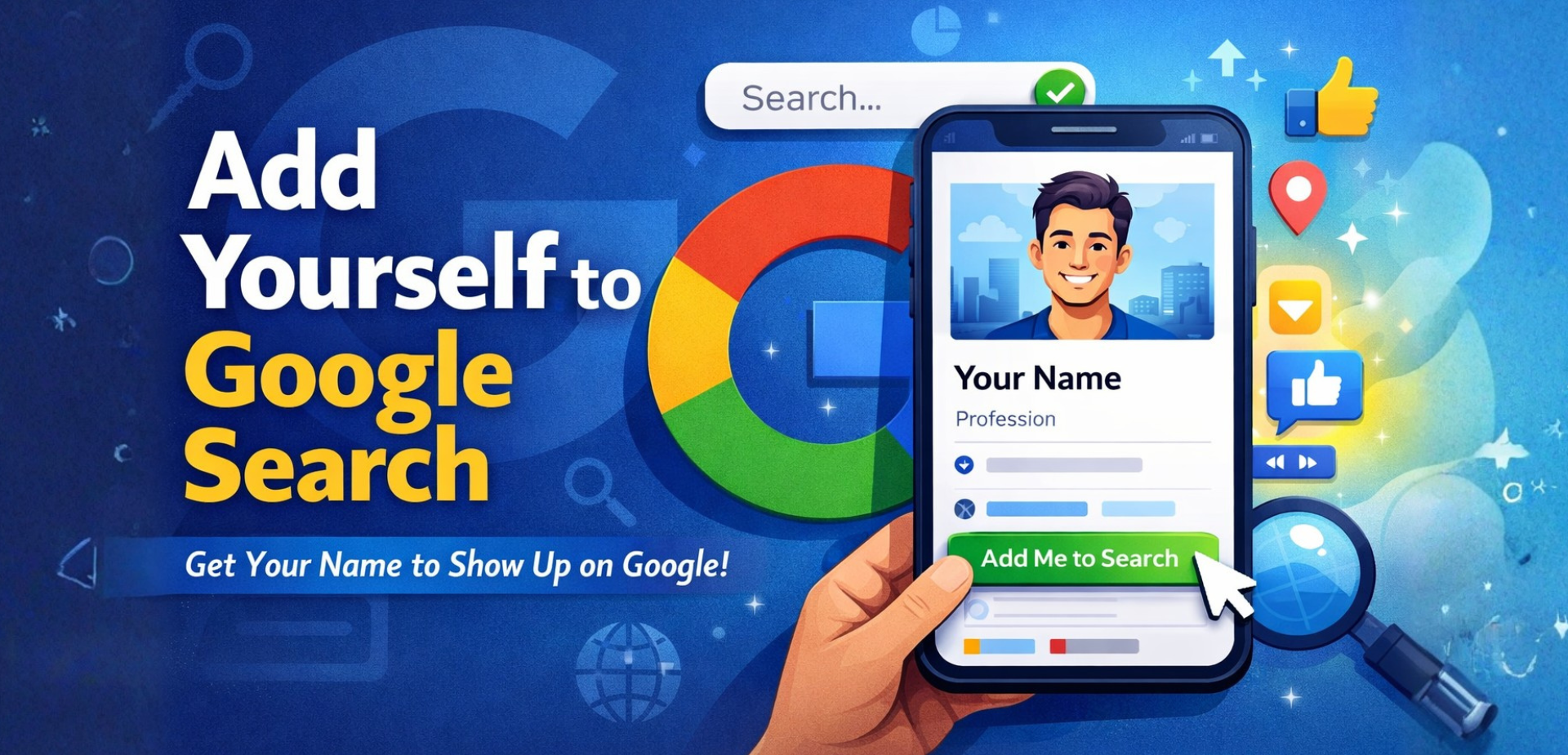
If you’ve ever typed your name into Google and found… nothing useful, you’re not alone. Many freelancers, students, creators, and small business owners ask the same question every day: “Why doesn’t my name show up on Google?”
That exact frustration is what leads people to search phrases like add me to search, add yourself to Google search, or add me to search not showing.
This guide is written to answer those questions clearly and honestly.
Your Google presence is often your first impression and plays a major role in personal branding on Google and long-term online credibility.
No jargon. No fluff. Just a complete, practical walkthrough that helps you understand what “Add Me to Search” really means, how it works, why it sometimes fails, and how to improve your visibility and credibility on Google over time.
Why Appearing on Google Search Matters Today
Your Google presence is often your first impression.
When someone searches your name—whether it’s a recruiter, client, collaborator, or employer—Google becomes your digital identity. If nothing shows up (or worse, the wrong thing shows up), it creates doubt.
Being visible in name search results helps you:
- Look more credible
- Control what people see about you
- Make it easier for others to contact or verify you
- Build trust without saying a word
This is exactly where the “Add Me to Search” feature comes in.
What Does “Add Me to Search” Mean?
“Add Me to Search” is a Google feature that allows individuals to create a Google People Card—a small public profile that can appear when someone searches your name.
Think of it as a digital visiting card on Google Search.
Your People Card can include:
- Your name
- Profession or role
- Location
- Short bio
- Links to social profiles or a website
- Contact information (optional)
When someone searches your name, Google may show this card at the top of the results, making it easier for people to find and understand who you are.
This is what most people mean when they say:
- add me on Google
- add me to the search
- google add me to search
Who Can Use “Add Me to Search”?
Before trying to add yourself, it’s important to know if you’re eligible. Many people search add to your search and get stuck simply because they don’t meet Google’s requirements.
Eligibility Requirements
You can use “Add Me to Search” if:
- You are located in India, Kenya, Nigeria, or South Africa
- Your Google account language is set to English or Hindi
- You are logged into your personal Google account
- Web & App Activity is turned ON
- You are using a mobile device
- You are searching through the Google app or a mobile browser
If any of these are missing, the option may not appear.
Step-by-Step: How to Add Yourself to Google Search
Follow these steps carefully. Most errors happen when people skip one small detail.
Step 1: Log in to Your Google Account
Use your mobile phone and make sure you’re logged into the Google account you want associated with your name.
Step 2: Search the Right Phrase
In the Google search bar, type:
- add me to search
or - add yourself to Google search
If you’re eligible, you’ll see an option at the top that allows you to get started.
Step 3: Fill in Your Details
Google will prompt you to create your People Card. Add:
- Full name (use your real, consistent name)
- Profession or expertise
- Location
- A short, clear bio
- Links to social profiles or a website (optional but helpful)
Only include information you’re comfortable making public.
Step 4: Preview and Submit
Preview your card carefully. Check spelling, clarity, and accuracy. Once satisfied, save and submit.
Step 5: Wait and Monitor
Your card may not appear instantly. It can take time for Google indexing and validation.
Why “Add Me to Search” Is Not Showing (And How to Fix It)
This is the most common issue—and the reason many people search add me to search not showing.
Here are the real reasons it happens.
1. Location or Language Restrictions
If you’re outside supported regions or using an unsupported language, the option won’t appear.
Fix:
Confirm your country and Google account language settings.
2. Web & App Activity Is Turned Off
Google uses this setting to personalize and validate profiles.
Fix:
Go to Google account settings → Data & privacy → Turn Web & App Activity ON.
3. Using Desktop Instead of Mobile
People Cards are mobile-first.
Fix:
Use the Google app or mobile browser.
4. Incomplete or Low-Quality Profile
Sparse bios, unclear professions, or inconsistent names reduce visibility.
Fix:
Write a clear, professional description that reflects what you actually do.
5. Duplicate or Conflicting Information
If Google finds conflicting signals about your name online, it may suppress your card.
Fix:
Use the same name, role, and links consistently across platforms.
Best Practices to Rank Your Name Better on Google
Creating a People Card is only the beginning. Visibility improves when Google trusts your digital identity.
1. Be Consistent Everywhere
Use the same name, photo, and professional title across LinkedIn, portfolios, and social profiles.
2. Strengthen Your Online Presence
Even simple profiles help Google understand who you are.
3. Keep Your Card Updated
Update your card when roles, links, or locations change.
4. Avoid Over-Optimization
Don’t stuff keywords into your bio. Write naturally, like a real person.
5. Build Authority Over Time
Mentions, profiles, and engagement across platforms support stronger search presence.
These steps help when you want to add to me Google search visibility in a sustainable way.
Creating a People Card is only the beginning. To strengthen your presence, you should also focus on building online trust and following a sustainable personal SEO strategy.
“Add Me to Search” vs Google Business Profile
Many people confuse these two.
Add Me to Search
- For individuals
- Shows personal details
- Appears in name search results
- Uses Google People Card
Google Business Profile
- For businesses and physical locations
- Appears in Maps and local results
- Shows reviews, hours, address
They serve different purposes and are not interchangeable.
Expert Insight
From years of working on personal branding and search presence strategies, agencies like Growth Buddys often see that people focus only on creating a profile but ignore consistency and trust signals. Visibility improves fastest when your People Card aligns with your broader digital footprint.
At the same time, it’s important to remember that Google Search profiles are not instant guarantees. Even professionals working with brands such as Growth Buddys treat them as part of a larger, long-term visibility strategy—not a one-time action.
Final Verdict
Adding yourself to Google Search is one of the simplest ways to improve your online credibility, but it only works when done correctly.
If your name isn’t showing yet, don’t panic. Check eligibility, follow the steps carefully, fix common issues, and focus on consistency. Over time, your search presence becomes stronger, clearer, and more trustworthy.
Google rewards clarity and authenticity not shortcuts.


Leave A Comment